
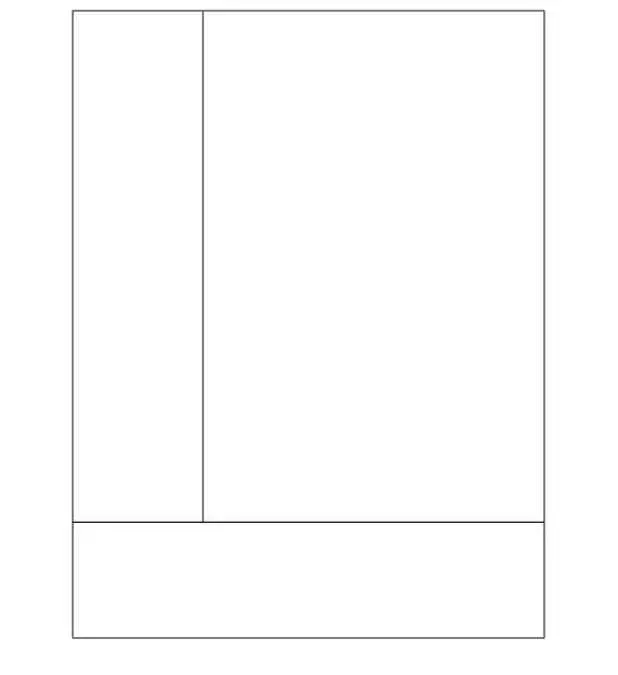
Blank Cornell Notes Page
Free Apple Template; instant download link via email.
- Fully editable
- Instant delivery
- Works on Mac, iPad, iPhone
Preview
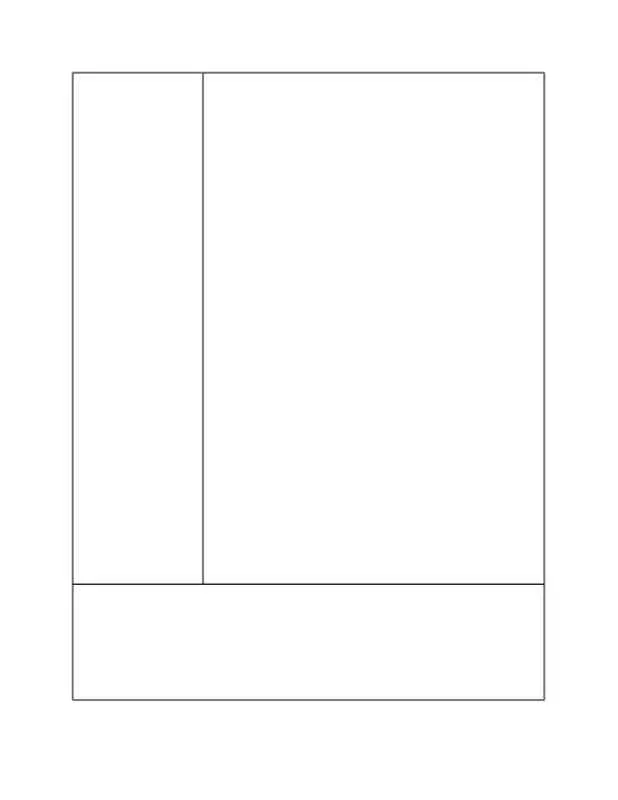
A blank note page outlined in Cornell style. This template features a thin left-side column, larger right-side column, and lower quarter box that are unlabeled.
Note Paper is based off of the Cornell Note Taking method. Where the right side is used for the notes, the left is used for studying (writing yourself things you don't understand, or if you have questions write them there), and the bottom row is used to write the summery of the document.
How to use
- Download the file using the button above.
- Open it in Apple Numbers.
- Edit fonts, colors, and layout as needed.
- Print or export to PDF.
- Click to rate this package![Total: 2 Average: 5]
- Apple Pages Template, Notes Templates [Mac Pages / Numbers]
- Version
- File Size 0.00 KB
- Downloads 7792




 iWorkCommunity