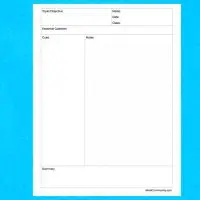
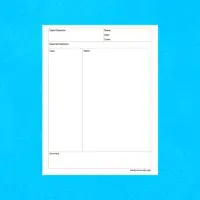
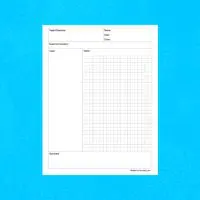
Cornell Notes with Bullet Journal Notes Area Template for Pages

Free Apple Template; instant download link via email.

  • Fully editable
  • Instant delivery
  • Works on Mac, iPad, iPhone

Download this template

Enter your email to receive the download link instantly.

Preview

Check out our Cornell Notes with Bullet Journal Notes Area Template for Pages. Cornell Notes pages are great for taking notes. They are a great way to organize your thoughts into different categories on the page.

This template is designed to be printable, however, after unlocking the two tables you can edit them anyway that you see fit. Change colors, sizes, styles, and fonts. Its easy! Make it your own.

Download it today! Enjoy!

Cornell Notes with Bullet Journal Notes Area Template for Pages

How to use

  1. Download the file using the button above.
  2. Open it in Apple Numbers.
  3. Edit fonts, colors, and layout as needed.
  4. Print or export to PDF.